
MetaTrader 4 & MetaTrader 5 Custom Indicators Hub
Supercharge your market analysis with free, institutional-grade trading indicators for MetaTrader 4 and MetaTrader 5. Select your platform below to download raw source code, explore step-by-step strategy guides, and access multi-timeframe algorithmic tools.
MetaTrader 4 (MT4) Indicators
World-standard 14+ custom indicator suite for MT4. Features ICT Smart Money Concepts (Order Blocks, BOS, CHoCH, Fair Value Gaps), RSI Divergence scanners, SuperTrend trend-following, and ATR lot size calculators.
MetaTrader 5 (MT5) Indicators
Next-generation 15+ native MQL5 custom indicators leveraging real tick volume, Volume Profile (POC/VAH/VAL), Anchored VWAP, multi-timeframe dashboard matrices, and mobile push notifications.
Top Quantitative Indicators
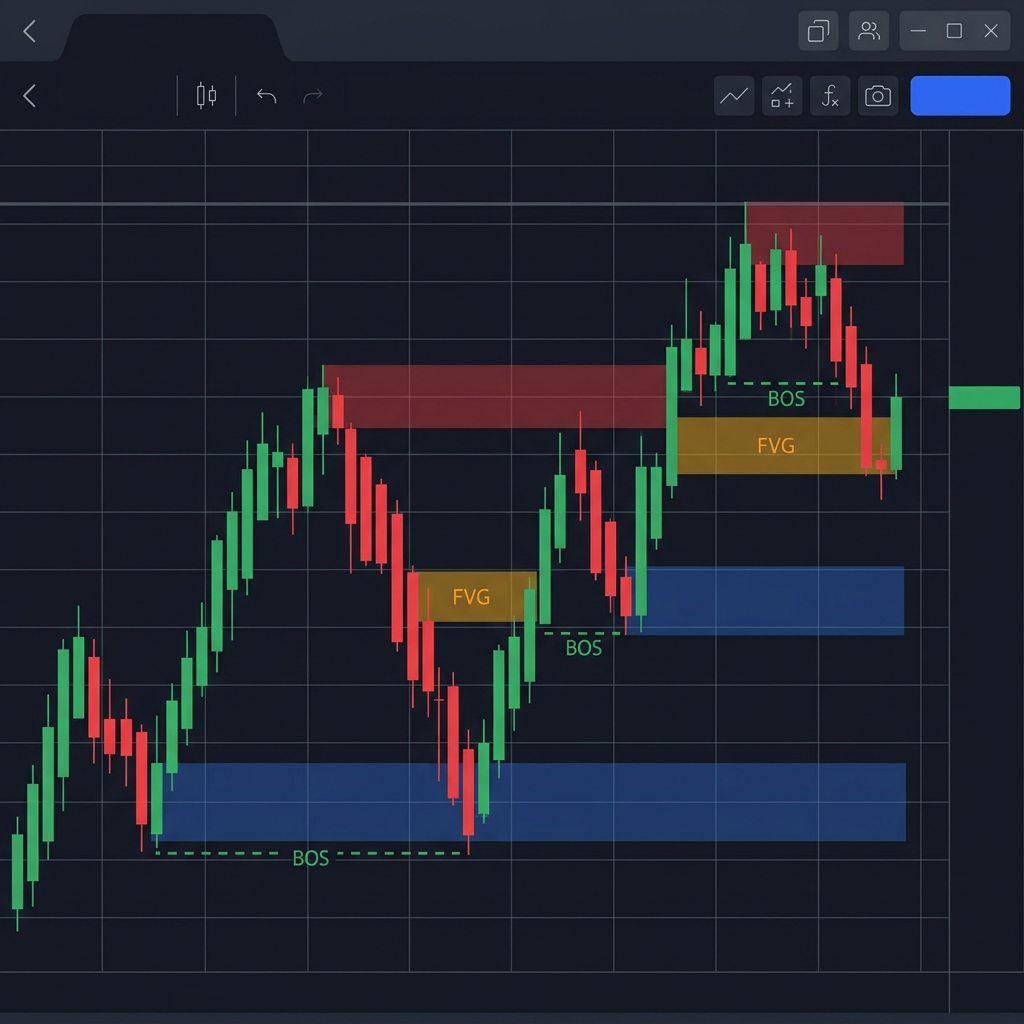 Most Popular
ICT Smart Money Concepts & Order Block
Auto-detects high-probability Order Blocks, Break of Structure (BOS), Change of Character (CHoCH), and Fair Value Gaps with real-time alert notifications.
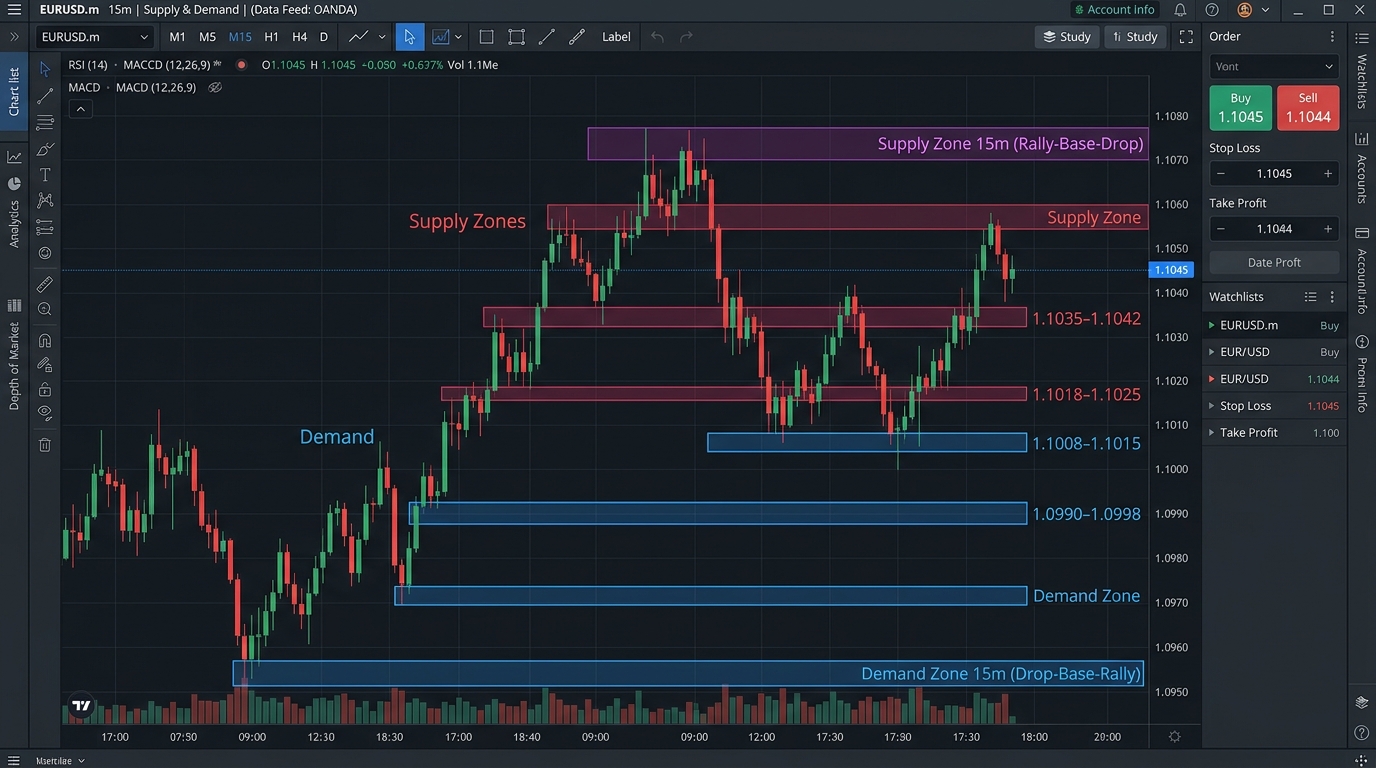 High Win-Rate
Supply and Demand Zones
Scans multiple timeframes for fresh, untested institutional supply and demand zones, Rally-Base-Drop (RBD), and Drop-Base-Rally (DBR) bases.
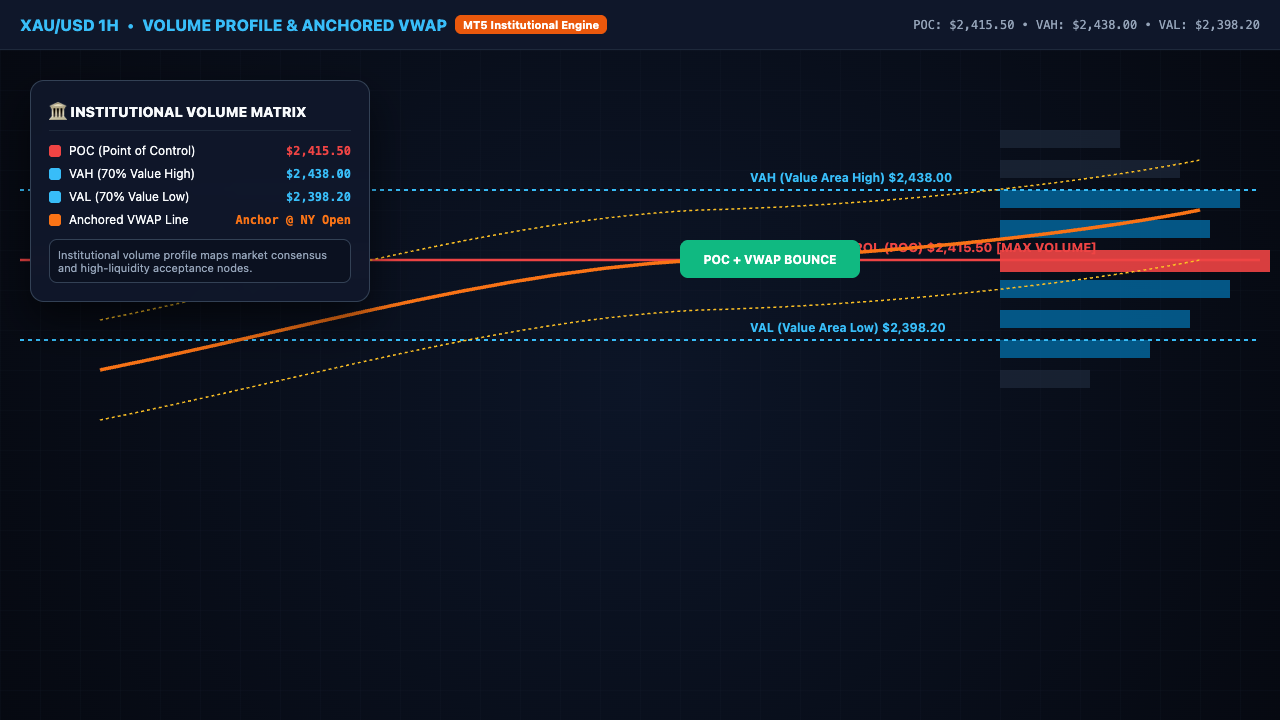 MT5 Exclusive
Volume Profile & Anchored VWAP
Institutional volume distribution mapping featuring Point of Control (POC), Value Area High/Low (VAH/VAL), and session-anchored VWAP bands.
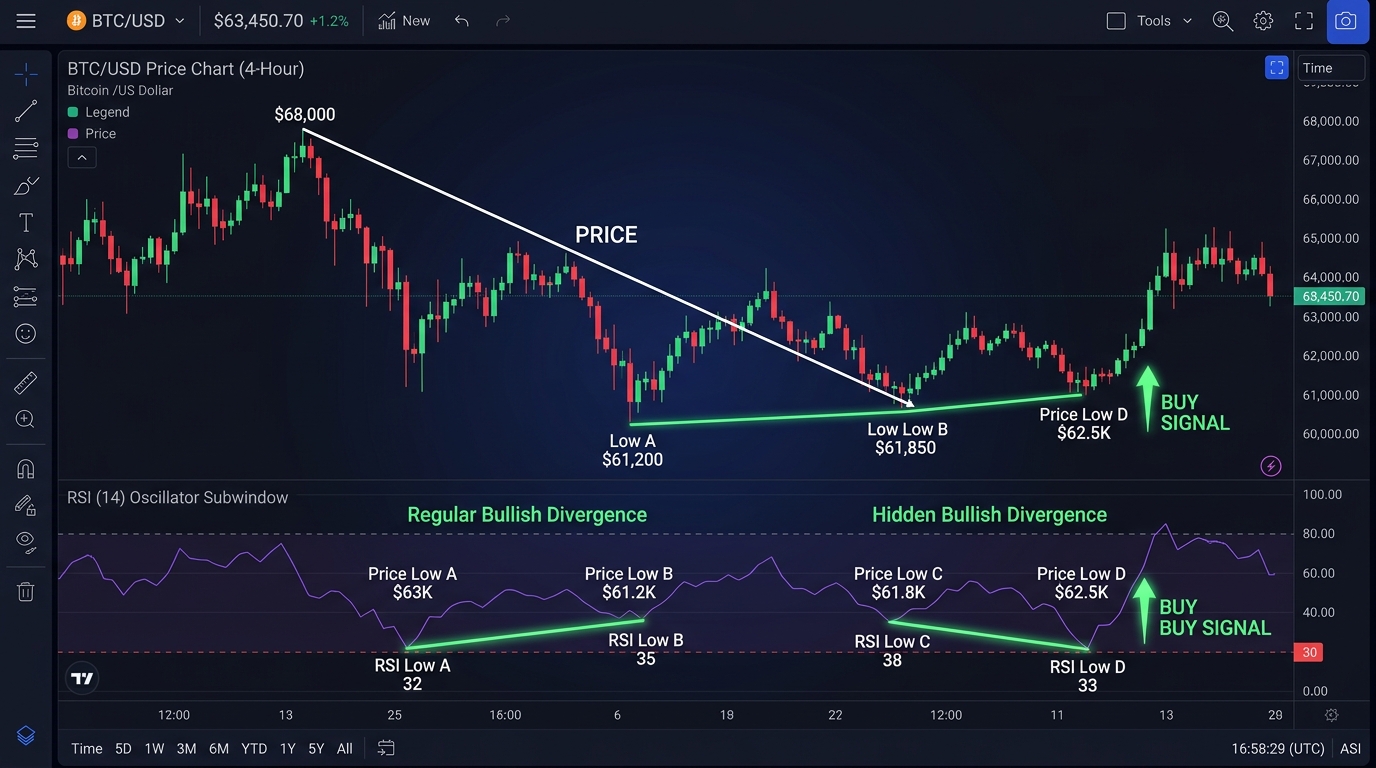 Universal Tool
RSI Divergence Scanner with Push Alerts
Real-time automated scanning for regular and hidden bullish & bearish RSI divergences across multi-timeframe charts with arrow overlays.
 Beginner Friendly
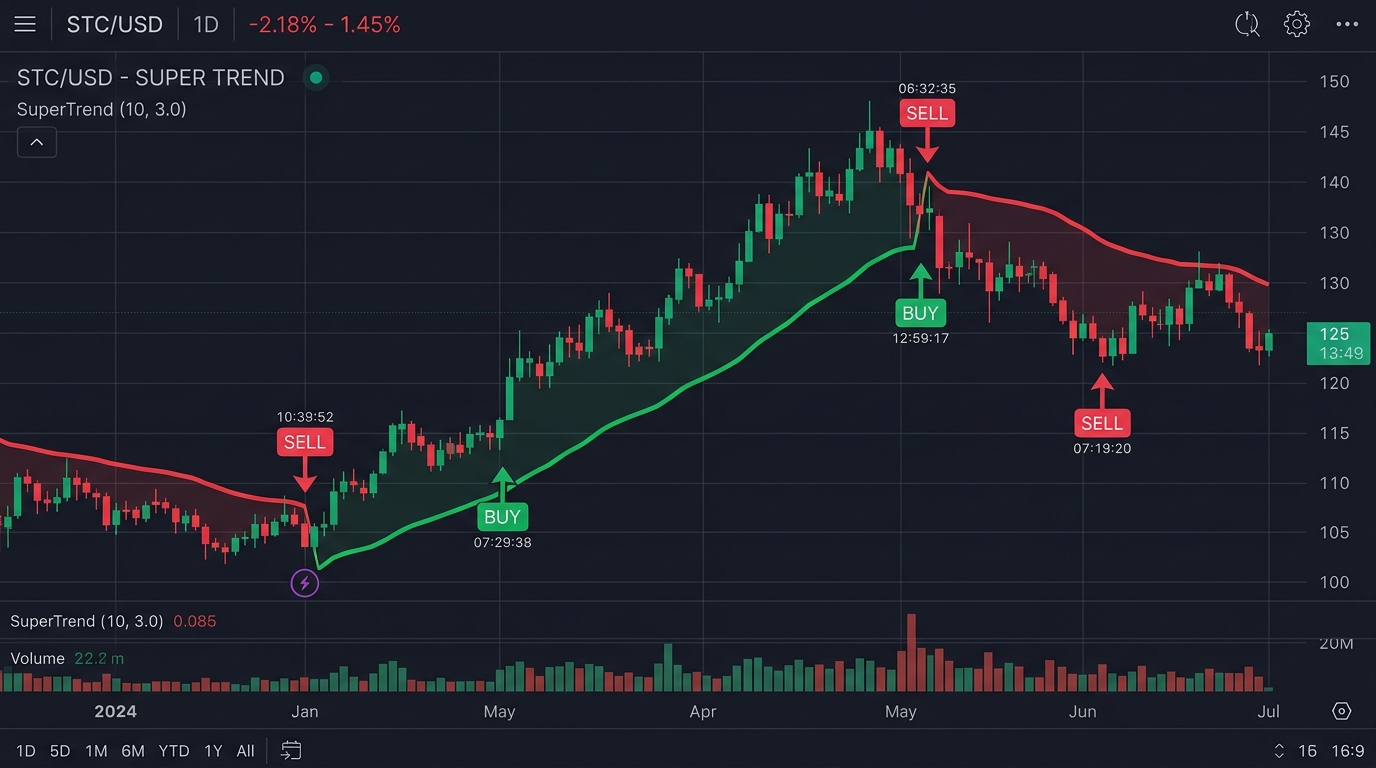
SuperTrend Trend Following Scanner
Non-repainting ATR-based dynamic trailing stop indicator with instant color-coded trend transitions and mobile push buy/sell alerts.
 Multi-Pair
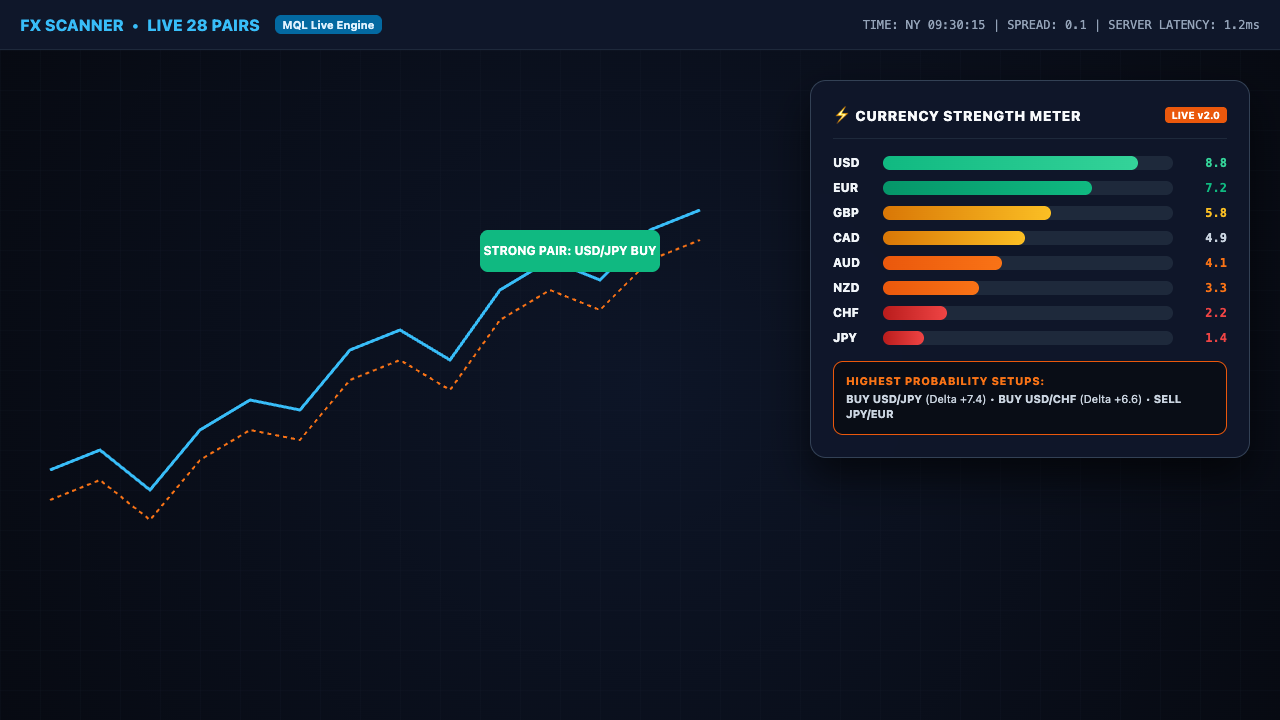
Multi-Currency Strength Meter Dashboard
Live algorithmic strength evaluator analyzing 28 Forex cross-pairs across 8 major currencies (USD, EUR, GBP, JPY, AUD, CAD, CHF, NZD).
MetaTrader 4 vs. MetaTrader 5 Technical Comparison
Choosing the right platform depends on your trading style, indicator computational requirements, and execution speed preferences.
| Feature / Capability | MetaTrader 4 (MT4) | MetaTrader 5 (MT5) |
|---|---|---|
| Programming Language | MQL4 (Procedural / Strict) | MQL5 (Object-Oriented C++) |
| Architecture & Threading | 32-Bit Single-Threaded | 64-Bit Multi-Threaded |
| Volume Profile & Real Ticks | Tick Volume Approximation | Native Real-Tick Execution |
| Available Timeframes | 9 Standard (M1 to MN1) | 21 Native Timeframes (M2, M3, H2...) |
| Mobile Push Alerts | Supported via MQID | High-Speed Instant Push |
| Prop Firm Support | Universal (100% of Brokers) | Rapidly Expanding Standard |
Frequently Asked Questions
QWhat is the difference between MetaTrader 4 and MetaTrader 5 indicators?
MetaTrader 4 (MT4) uses the MQL4 programming language, designed primarily for decentralized retail Forex trading on 32-bit terminal architectures. MetaTrader 5 (MT5) uses the MQL5 object-oriented language on a 64-bit multi-threaded architecture with native real-tick volume processing, depth of market (DOM), and sub-millisecond execution speeds.
QAre all indicator downloads on TraderSentiments 100% free?
Yes. Every custom indicator in our MT4 and MT5 directories is 100% free and open-source. We provide full source code (.mq4 and .mq5 files) with zero hidden DLL dependencies or paywalls.
QCan I use these indicators on Prop Firm accounts (FTMO, FundedNext, etc.)?
Yes. All our indicators are completely non-repainting on confirmed closed candle bars and execute 100% locally on your terminal, complying fully with all major prop firm algorithmic trading rules.
QHow do I install these custom indicators on my desktop platform?
In MT4 or MT5, click File → Open Data Folder, open the MQL4 (or MQL5) folder, then open the Indicators subfolder. Copy your downloaded .mq4 or .mq5 file there, right-click the Navigator window in your terminal, and click Refresh.
QDo these indicators send push notifications to my mobile phone?
Yes. Many of our indicators include built-in SendNotification() and SendMail() functions. Simply configure your MetaQuotes ID under Tools → Options → Notifications in your desktop terminal.